
Panasonic TH-M50HD18 Plasma HDTV Operating Instructions

This is a 50-inch 720p plasma HDTV, model number TH-M50HD18
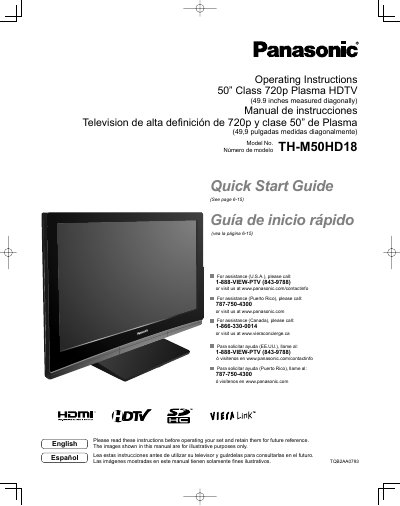

Panasonic TH-M50HD18 Plasma HDTV Operating Instructions - cover page
Brand
Panasonic
Category
Television
Document type
User Manual
Language
English
Pages
50
File format
PDF
File size
2.8 MB
Published
03 August, 2012
Updated
30 September, 2023
MD5 checksum
B8E50E09214540C40424E2E23A9F5EF5

About this manual

This manual provides operating instructions for the Panasonic 50" Class 720p Plasma HDTV (Model TH-M50HD18). It includes safety precautions, a quick start guide, basic connection steps, and identification of controls. The document also details first-time setup procedures and how to enjoy various features like watching TV, viewing from SD cards, and playing DVDs.

What's inside

  • Safety Precautions
  • Quick Start Guide
  • Accessories/Optional Accessory
  • Basic Connection
  • Identifying Controls
  • First Time Setup
  • Watching TV
  • Viewing from SD Card
  • VIERA Link HDAVI Control
  • Specifications

Specifications

Screen Size50" Class (49.9 inches)
Resolution720p
Power Supply120 V AC, 60 Hz

Frequently asked questions

What should I do if a problem occurs or smoke is detected?

Unplug the power cord immediately and have the TV evaluated at an Authorized Service Center.

Can I place objects on top of the Plasma TV?

No. Do not place any objects on top of the Plasma TV to prevent it from falling or tipping over.

How should I handle the power cord plug?

Hold the plug, not the cord, when disconnecting. Do not handle it with wet hands.

Download PDF (2.8 MB)

More Panasonic Manuals


View all Panasonic manuals →