
This document is the quick start guide for Panasonic TH-M50HD18 TV.
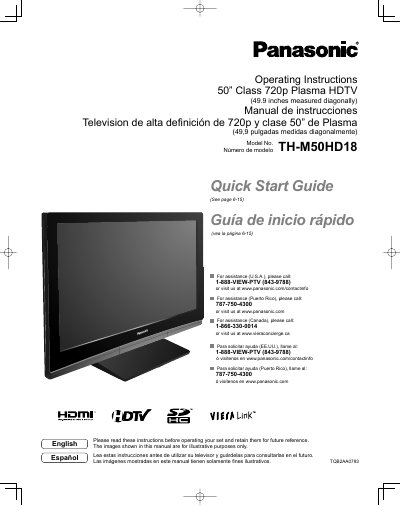
This document provides operating instructions for the Panasonic TH-M50HD18, a 50-inch Class 720p Plasma HDTV. It includes safety precautions, quick start guides, and detailed setup procedures for connecting various devices such as camcorders, set-top boxes, and home theater systems. The manual also covers basic and advanced features like menu functions, VIERA Link, and channel editing.
| Screen Size | 50" Class (49.9 inches measured diagonally) |
|---|---|
| Resolution | 720p |
| Power Supply | 120 V AC, 60 Hz |
If water spills onto the Plasma TV or foreign objects get inside it, a short-circuit may occur which could result in fire or electric shock. If any foreign objects get inside the Plasma TV, please consult an Authorized Service Center.
No, do not place any objects on top of the Plasma TV as it may fall off or tip over.