
Key facts
- Brand
- Panasonic
- Model
- TY-CC10W
- Category
- Other Electronics
- Documents
- 3
- Languages
- EN · ES
- Last added
- 2012-08-03
Start here
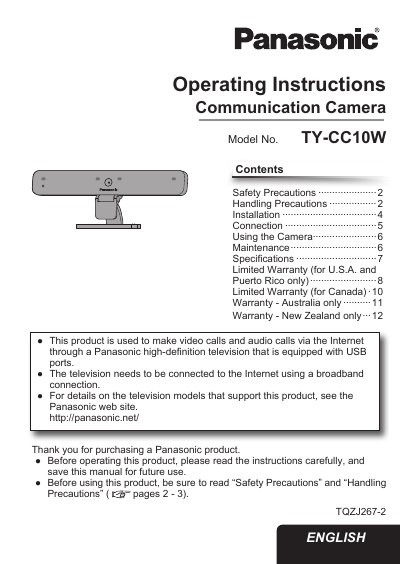
Panasonic TY-CC10W Communication Camera Operating Instructions
This document provides operating instructions for the Panasonic TY-CC10W Communication Camera. The camera is designed to make video and audio calls via the Internet through a Panasonic high-definition television equipped with USB ports. It requires a broadband connection and specific Panasonic television models to function correctly.
Read onlinePanasonic TY-CC10W specifications
| Power Supply | DC 5 V (USB powered) 500 mA |
|---|---|
| Dimensions | Width 210mm, Height 76mm, Depth 43mm |
| Weight | Approx. 200 g (including USB cable) |
| Operating Temperature | 0 °C - 40 °C (32 °F - 104 °F) |
| Lens | F/2.0 3P Lens |
| Microphones | 4 unidirectional microphones |
| Sensor | 1/4 inch CMOS Sensor |
| Resolution | Max. 1280 x 720 (HD) |
| Video Format | H.264, YUV |
| Frame Rate | 22 fps at HD, 30 fps at VGA |
Source: Panasonic TY-CC10W Communication Camera Operating Instructions
All Panasonic TY-CC10W documents by type
Day-to-day operation, settings and troubleshooting. Start here if the product is already set up.
Questions answered in these manuals
What television is required to use this camera?
You must always connect this camera to a Panasonic television that is equipped with USB ports.
From: Panasonic TY-CC10W Communication Camera Operating Instructions
Can I use a USB hub to connect the camera?
No, you cannot use a USB hub; the camera USB connector must be connected directly to the television.
From: Panasonic TY-CC10W Communication Camera Operating Instructions
Can I use a USB hub to connect the camera?
No, do not use a USB hub. Connect the Communication Camera directly with the USB cable.
From: panasonic TYCC10W-SKYPE
Is Skype on VIERA TV free?
It is free to create a Skype account and make Skype-to-Skype voice and video calls, though additional pay services are available.
From: panasonic TYCC10W-SKYPE
Can this camera be used with computers?
No, this camera cannot be used with a computer.
Is a USB hub required to connect the camera?
No, do not use a USB hub; connect the camera directly to the TV.