
Key facts
- Brand
- Panasonic
- Model
- TH-85PF12U
- Category
- Television
- Industry
- Appliances
- Documents
- 2
- Languages
- EN
- Last added
- 2012-08-03
Start here
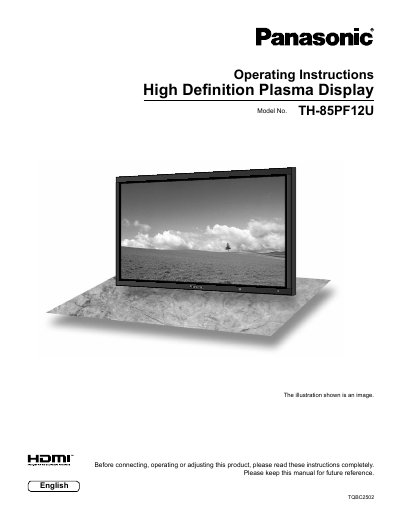
Panasonic TH-85PF12U Plasma Display Operating Instructions
This manual provides operating instructions for the Panasonic TH-85PF12U High Definition Plasma Display. It includes important safety warnings regarding electric shock and ventilation, as well as a list of compatible accessories such as pedestals and terminal boards.
The guide details how to connect various input signals including HDMI, PC, and SDI, and explains the use of remote control functions like Multi PIP (Picture-in-Picture) and Portrait mode. It also covers picture adjustments, sound settings, timer features, and troubleshooting steps.
All Panasonic TH-85PF12U documents by type
Day-to-day operation, settings and troubleshooting. Start here if the product is already set up.
Questions answered in these manuals
What should I do if the plug does not fit into the outlet?
Consult an electrician for replacement of the obsolete outlet.
From: Panasonic TH-85PF12U Plasma Display Operating Instructions
What happens if a still picture is displayed for an extended period?
It can cause permanent image retention to remain on the Plasma Display.
From: Panasonic TH-85PF12U Plasma Display Operating Instructions
What type of display is the Panasonic TH-85PF12U?
The device is a High Definition Plasma Display.
From: Panasonic TH-85PF12U Plasma Display Operating Instructions
How should the power plug be connected to ensure safety?
You must securely connect the grounding pin on the AC cord power plug to prevent electric shock.
From: Panasonic TH-85PF12U Plasma Display Operating Instructions