
Key facts
- Brand
- Panasonic
- Model
- TH-103PF12U
- Category
- Television
- Industry
- Appliances
- Documents
- 2
- Languages
- EN
- Last added
- 2012-08-03
Start here
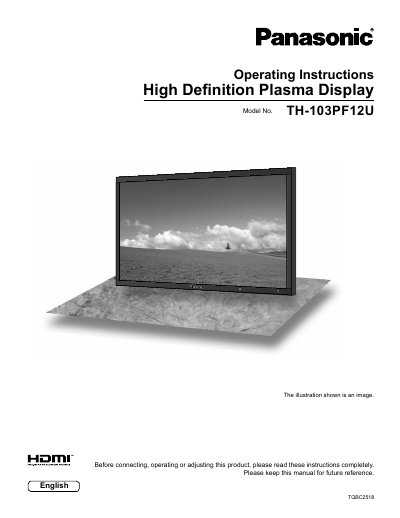
Panasonic TH-103PF12U Plasma Display Operating Instructions
This manual provides operating instructions for the Panasonic TH-103PF12U High Definition Plasma Display. It includes important safety information, FCC statements, and a list of compatible accessories. The document guides users through connecting the display to various input sources such as HDMI, PC, and component video.
Read onlineAll Panasonic TH-103PF12U documents by type
Day-to-day operation, settings and troubleshooting. Start here if the product is already set up.
Questions answered in these manuals
What is the model number of this Plasma Display?
The model number is TH-103PF12U.
From: Panasonic TH-103PF12U Plasma Display Operating Instructions
What type of device is this product?
This product is a High Definition Plasma Display.
From: Panasonic TH-103PF12U Plasma Display Operating Instructions
What should I do if the power plug does not fit into the outlet?
Do not defeat the safety purpose of the grounding plug; consult an electrician for replacement of the obsolete outlet.
From: Panasonic TH-103PF12U High Definition Plasma Display Operating Instructions
Can I use optional accessories other than those specified by Panasonic?
No. Use with any other type of optional accessories may cause instability which could result in the possibility of injury.
From: Panasonic TH-103PF12U High Definition Plasma Display Operating Instructions