
This is a high definition plasma display instruction manual, which mainly introduces how to connect, operate and adjust this product
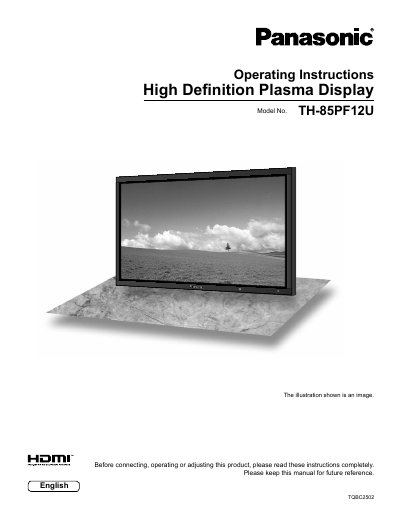
This manual provides operating instructions for the Panasonic TH-85PF12U High Definition Plasma Display. It includes important safety warnings regarding electric shock and ventilation, as well as a list of compatible accessories such as pedestals and terminal boards.
The guide details how to connect various input signals including HDMI, PC, and SDI, and explains the use of remote control functions like Multi PIP (Picture-in-Picture) and Portrait mode. It also covers picture adjustments, sound settings, timer features, and troubleshooting steps.
| Product Type | High Definition Plasma Display |
|---|---|
| Model Number | TH-85PF12U |
Consult an electrician for replacement of the obsolete outlet.
It can cause permanent image retention to remain on the Plasma Display.