
This document introduces the safety and important information of Panasonic fax machines, including the use of USB cables, compatibility with caller ID, and the use of original ink cartridges and drum units. Users are also reminded to avoid static electricity and pay attention to the placement environment.
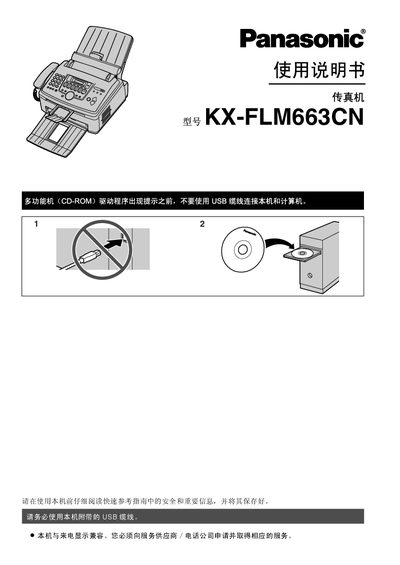
This manual covers the installation of the Panasonic KX-FLM663C fax machine, including required accessories, wiring, and initial configuration. Safety information, laser specifications, and handling of consumables such as toner cartridges and drum units are detailed to ensure reliable performance.
Operating procedures for fax sending, receiving, caller ID, and multifunction features (copy, scan, print) are explained, along with routine maintenance, cleaning, and troubleshooting steps for common issues like paper jams and error messages. This manual is written in Chinese.
| Laser output | 最大SmwW |
|---|---|
| Laser wavelength | 760nm-810nm |
| Toner cartridge part number | KX-FAC283ECN |
| Drum unit part number | KX-FA84E |
| Estimated print yield (5% coverage) | ≈800 A4 pages |
At 5 % coverage the machine can print about 800 A4 pages before the toner needs replacement.
Avoid looking directly at the laser, keep the unit away from bright light, and handle it only as described in the safety section.
Do not expose the drum to bright light for more than five minutes, avoid touching its surface, and keep it away from dust, moisture, and direct sunlight.
Do not block any openings, keep ventilation slots clear, and regularly clean dust from the paper path.