
This document describes the features and characteristics of the HDC-DX1GK model, including AV and USB connectivity, support for SDHC and miniSD memory cards, recording videos in AVCHD format, support for Dolby audio and HDMI connection, HDAVI Control™ functionality, LEICA DICOMAR lens, compatibility with Microsoft® Windows® operating system, and use of Intel® Pentium® or Celeron® processors.
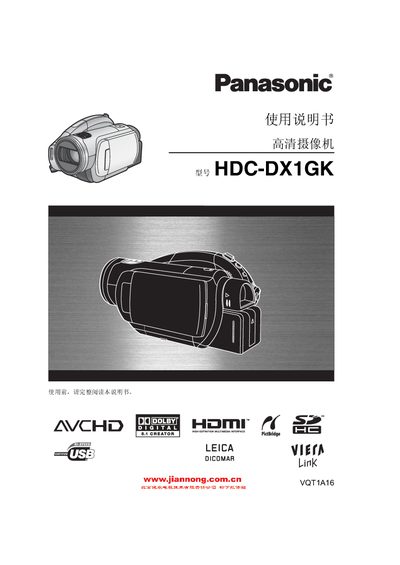
This manual covers the Panasonic HDC-DX1GK camcorder. It describes recording motion pictures and still pictures, playback on disc and SD card, and connections using AV, USB, and HDMI interfaces.
The document lists compatible media such as SDHC, miniSD, and 8 cm DVD discs, and includes accessory part numbers. It also references MPEG-4 AVC/H.264, Dolby Digital, and LEICA DICOMAR lens branding. This manual is written in Chinese.
| Optical zoom | up to 12M |
|---|---|
| Video codec | MPEG-4 AVC/H.264 |
| Audio format | Dolby Digital |
| Disc media | 8 cm DVD-RAM |
Rotate the mode dial to select the still picture mode, press the PHOTO SHOT button halfway to focus, then press it fully to take the picture.
The camcorder can zoom in up to 12M optically.
Move the volume lever toward T to increase the volume or toward U to decrease it.
The website is http://panasonic.net.