
This document is the user manual of the HDC-DX1GK camera. The camera is equipped with 2 VQT1A16 memory cards and can be connected to a computer via AV, USB, and HDMI interfaces. The camera can shoot videos and photos, and supports AVCHD format.
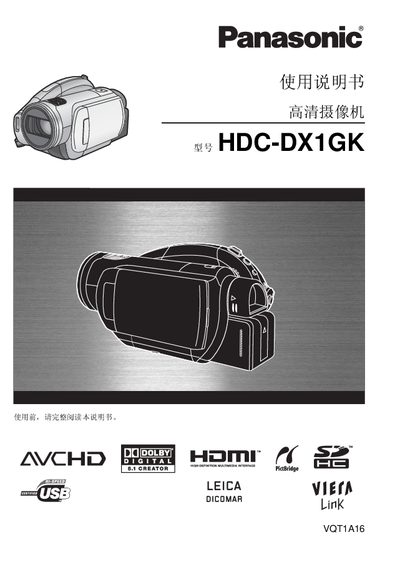
This manual covers safety precautions, setup, and operation of the Panasonic HDC-DX1GK camcorder. It explains how to connect the device to HDMI‑compatible TVs, use the built‑in microphones, and manage recording formats such as AVCHD on supported DVDs and memory cards.
Additional sections describe playback functions, menu navigation, battery handling, and environmental disposal information. The document also lists technical specifications, including video resolution, audio capabilities, and supported accessories. This manual is written in Chinese.
| Maximum video resolution | 1440×1080 (1080 lines) |
|---|---|
| Standard video resolution | 720×576 (576 lines) |
| Built‑in microphones | 5 |
| Audio format | Dolby Digital 5.1 |
| HDMI port | Present |
Connect the camcorder to the HDTV using an HDMI cable.
The camcorder supports SD, miniSD, and SDHC memory cards.
It has five built‑in microphones.
It can record up to 1440×1080 (1080 lines) resolution.