
This guide provides installation and basic setup instructions for the NETGEAR ReadyNAS OS 6.2 rack storage system.
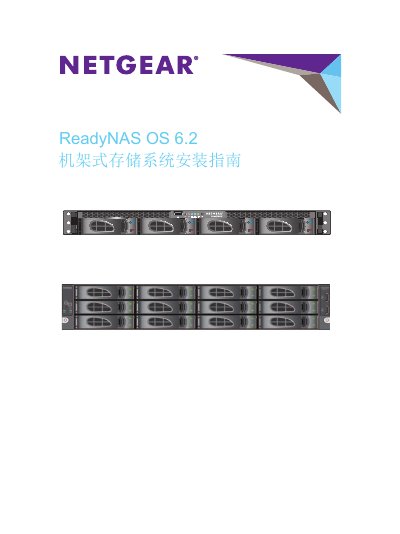
This document is the installation guide for the NETGEAR ReadyNAS OS 6.2 rack storage system. It details the contents of the package, the steps required to set up the system in a production environment, and instructions for reformatting hard drives if necessary. The setup process typically takes about 15 minutes and involves installing hard drives, connecting power and network cables, and configuring the system via a web browser or the RAIDar utility. This manual is written in Chinese.
| Setup Time | about 15 minutes |
|---|
The default username is 'admin' and the password is 'password'.
Reformatting erases all data and reformats all drives into a single X-RAID volume.