
NEC NP62G/NP61G/NP52G/NP41G User Guide

This is the user manual for NEC NP62G/NP61G/NP52G/NP41G portable projector
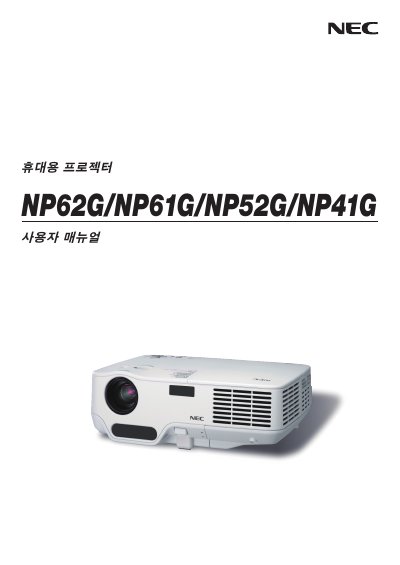

NEC NP62G/NP61G/NP52G/NP41G User Guide - cover page
Brand
NEC
Document type
User Manual
Language
English
Pages
100
File format
PDF
File size
8.5 MB
Published
10 May, 2012
Updated
30 September, 2023
MD5 checksum
56184A960721B8DDF2318CD5143A8D0C

About this manual

This guide provides step‑by‑step instructions for installing and connecting NEC NP62G, NP61G, NP52G and NP41G display units. It includes wiring diagrams, safety information and basic operating procedures.

The manual also describes how to project an image, adjust convenient features, and perform routine maintenance such as lamp replacement.

What's inside

  • Installation and Connections
  • Projecting an Image
  • Convenient Features
  • Appendix

Specifications

Input Voltage200‑240V AC 50/60Hz

Frequently asked questions

What input voltage does the NEC NP62G/NP61G/NP52G/NP41G support?

The devices operate on 200‑240 V AC at 50 Hz or 60 Hz.

What should be done when the lamp reaches the end of its usable life?

Replace the lamp as soon as the manual indicates it has reached the end of its usable life.

Download PDF (8.5 MB)

More NEC Manuals


View all NEC manuals →