
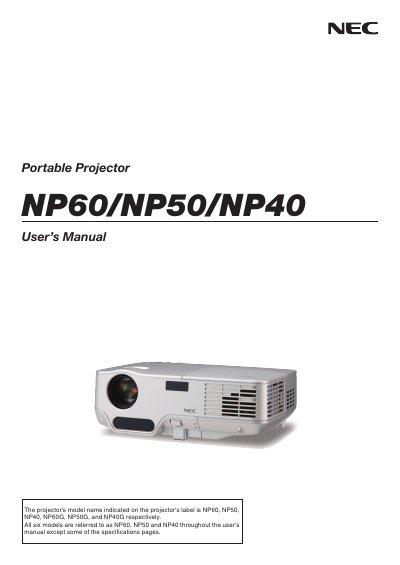
NP60/NP50/NP40 Portable Projector User’s Manual, this manual contains information about product introduction, installation, operation, maintenance, troubleshooting and safety precautions
This manual covers important safety information, handling precautions, and regulatory notices for the NEC NP60/NP50/NP40 portable projectors. It explains power‑off procedures, shock warnings, and environmental disposal requirements.
The guide also details installation steps, connection options, basic operation, menu navigation, lamp replacement, cleaning, troubleshooting, and specifications. Service and warranty information, including the TravelCare Service Program, are provided at the end of the document.
| Maximum Sound Pressure Level | < 70 dB(A) |
|---|
Remove the plug from the power outlet before turning off the main power.