
Key facts
- Brand
- Motorola
- Model
- PTP 500
- Category
- Wireless connection
- Documents
- 2
- Languages
- EN · ZH
- Last added
- 2012-05-03
Start here
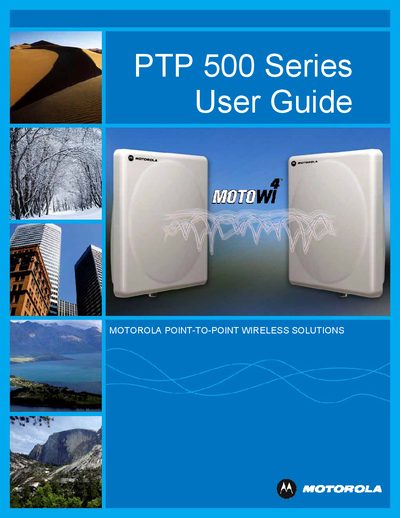
Motorola PTP 500 Series User Manual
This guide is intended for installers, system integrators and end‑users of the Motorola PTP 500 Series point‑to‑point wireless bridges. It explains the product’s features, regulatory compliance, and safety considerations such as electrical safety, RF exposure limits and lightning protection.
The manual covers hardware installation, cable and connector details, mounting procedures, and configuration through the web, Telnet and SNMP interfaces. It also includes spectrum management, remote management, software upgrade steps, and a comprehensive troubleshooting section for fault finding.
Motorola PTP 500 specifications
| PTP 100 throughput | 2, 7, 14 Mbps |
|---|---|
| PTP 800 frequency band | 6 - 38 GHz |
| PMP 320 maximum throughput | 40 Mbps |
| 7181 series throughput | 300 Mbps |
| 4300 series operating temperature | -22 to 140°F (-30 to 60°C) |
Source: Motorola Wireless Network Solutions Product Overview Brochure
All Motorola PTP 500 documents by type
Day-to-day operation, settings and troubleshooting. Start here if the product is already set up.
Questions answered in these manuals
How can I access the remote management interface?
Remote management is described under the Remote Management section, which covers HTTP, Telnet and SNMP interfaces.
What is the software release version for the PTP 500 Series?
The software release version is PTP 500-03-xx.
What wireless solution families does Motorola offer?
Motorola offers point-to-point, point-to-multipoint, mesh WAN, wireless LAN, and VoWLAN solution series.
From: Motorola Wireless Network Solutions Product Overview Brochure
What frequency band does the PTP 800 use?
The PTP 800 uses the 6 to 38 GHz band.
From: Motorola Wireless Network Solutions Product Overview Brochure