
This is a user guide for Wireless-G Broadband Router
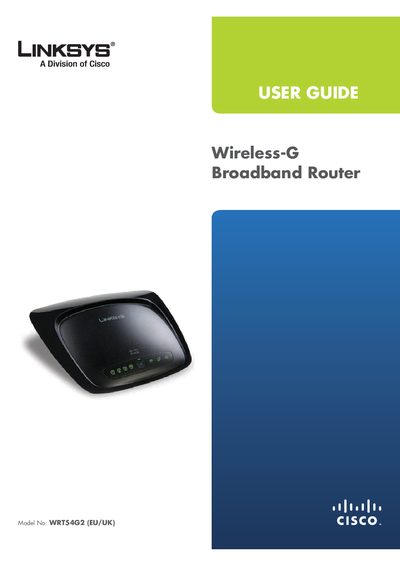
This guide covers the Linksys WRT54G2 Wireless‑G Broadband Router, describing its hardware layout, installation options, and basic operation. It explains how to connect the router, configure wireless settings, and secure the network.
The manual includes chapters on product overview, a wireless security checklist, advanced configuration via the web‑based utility, troubleshooting, specifications, warranty, and regulatory information for EU and other regions.
| Default IP address | 192.168.1.1 |
|---|---|
| Default password | admin |
| Maximum wireless speed | 54 Mbps |
| Number of Ethernet ports | 4 |
Open a web browser, enter the default IP address 192.168.1.1, leave the username blank, and use the default password admin.
Press and hold the Reset button for approximately five seconds, or select Factory Defaults in the Administration tab of the web utility.
Change the default SSID, change the default password, enable MAC address filtering, and enable WPA/WPA2 encryption.
Use the two wall‑mount slots spaced 152 mm (6 inches) apart, drill matching holes, insert screws, and align the slots with the screws.