
This is a user manual of Linksys E2000 Advanced Wireless-N router
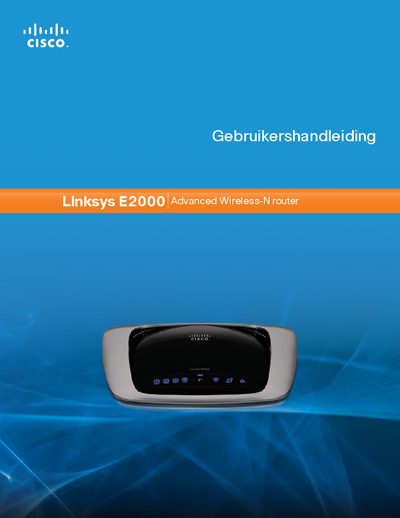
This manual provides a complete overview of the Linksys E2000 Advanced Wireless‑N router, describing its hardware layout, LED indicators, and mounting options. It guides users through initial installation, basic and advanced configuration, and explains the router’s security features such as WPA2, SPI firewall, and NAT.
The document also covers detailed network settings (DHCP, static IP, PPPoE, PPTP, L2TP, Telstra‑Cable), optional parameters like MTU, and includes troubleshooting tips and a specifications appendix. This manual is written in Dutch.
| Ethernet ports | 4 Gigabit Ethernet ports |
|---|---|
| Default IP address | 192.168.1.1 |
The default IP address is 192.168.1.1.