
User manual for the HP Officejet Pro 3610/3620 e-All-in-One printer, covering setup, printing, scanning, copying, faxing, and maintenance.
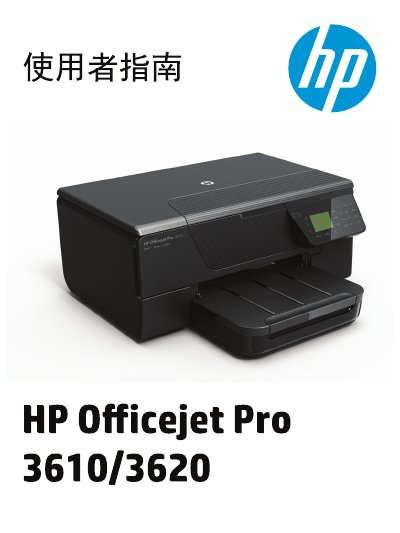
This document is the user manual for the HP Officejet Pro 3610 and 3620 e-All-in-One printers. It provides comprehensive instructions for setting up the device, managing power, and using the control panel. The guide details how to load paper, print documents, scan files to a computer, and perform copy functions. For the HP Officejet Pro 3620 model, it also includes specific instructions for sending and receiving faxes. This manual is written in Chinese.
| Product Type | e-All-in-One |
|---|---|
| Copyright Year | 2013 |
This manual covers the HP Officejet Pro 3610 and HP Officejet Pro 3620 models.
Yes, but only the HP Officejet Pro 3620 model supports faxing.