
This user guide provides instructions for operating the HP Officejet Pro 3610/3620 all-in-one printer, covering printing, scanning, copying, faxing (3620…
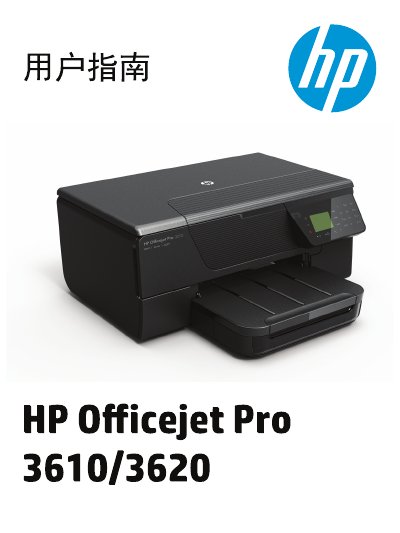
This manual serves as a comprehensive guide for the HP Officejet Pro 3610 and 3620 Black and White e-All-in-One printers. It covers essential user tasks including setting up the device, managing power consumption, and understanding printer components such as the control panel and paper trays.
The document provides detailed instructions on core functions like printing documents (including booklets and envelopes), scanning to a computer or via web services, copying, and sending/receiving faxes for the 3620 model. It also includes sections on maintaining the device by cleaning parts, replacing ink cartridges, updating firmware, and troubleshooting common issues related to print quality, paper jams, and network connectivity. This manual is written in Chinese.
| Product Type | Black and White e-All-in-One |
|---|
You must unplug the power cord from the wall outlet before cleaning the product.
Qualified repair personnel must perform any repairs because there are no user-serviceable parts inside.
Faxing is only available on the HP Officejet Pro 3620 model.