
HP Officejet J6400 All-in-One Series User Guide

This manual provides instructions for setting up, printing, scanning, copying, faxing, and managing the HP Officejet J6400 All-in-One printer.
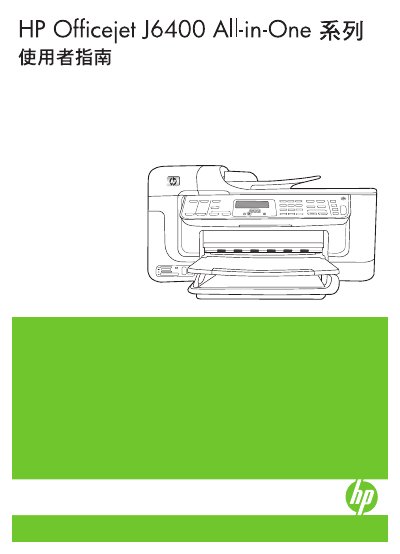

HP Officejet J6400 All-in-One Series User Guide - cover page
Brand
HP
Category
Printer
Document type
User Manual
Language
Chinese
Pages
208
File format
PDF
File size
8 MB
Published
17 October, 2026
Updated
17 October, 2026
Model
J6400
MD5 checksum
C15D5E3CC14C6CAC7B7BB9E5143FF7C9

About this manual

This document is the user guide for the HP Officejet J6400 All-in-One series. It covers the preparation of the device, including safety information and component descriptions. The guide details how to use the control panel, load media, and configure settings for printing, copying, and scanning tasks. This manual is written in Chinese.

What's inside

  • Preparation
  • Using the Device
  • Printing
  • Copying
  • Scanning
  • Using Memory Devices
  • Faxing
  • Setup and Management
  • Maintenance and Troubleshooting

Frequently asked questions

What safety precaution should be taken when connecting the product to power?

You must use a grounded power outlet when connecting the product.

Can users repair parts inside the product themselves?

No, there are no user-serviceable parts inside the product.

Download PDF (8 MB)

More HP Manuals


View all HP manuals →