
HP Officejet J6400 All-in-One user manual covering setup, printing, copying, scanning, faxing, maintenance, and troubleshooting.
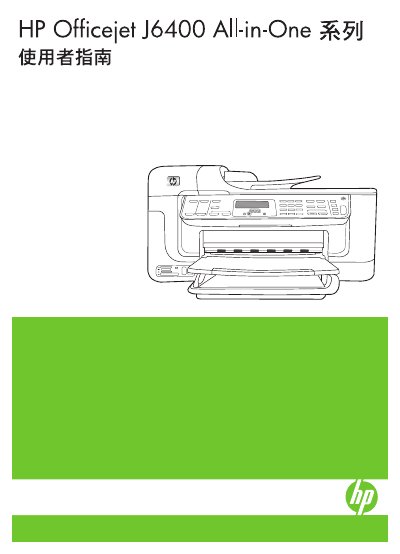
This user manual covers the HP Officejet J6400 All-in-One series. It describes product components, the control panel, indicators, connections, and how to turn the device off.
The guide includes instructions for printing, copying, scanning, using memory cards, and faxing. It also covers device setup and management, print cartridge replacement and cleaning, general device cleaning, and troubleshooting for printing, copying, and other issues. This manual is written in Chinese.
| Memory card support | Secure Digital |
|---|
Yes, the product supports Secure Digital memory cards.
No, there are no user-serviceable parts inside the product; consult qualified service personnel.
Refer to the Maintenance and Troubleshooting section.