
This document is a user manual for the HP Officejet 6000 (E609) printer series, providing information on the features and usage of the printer.
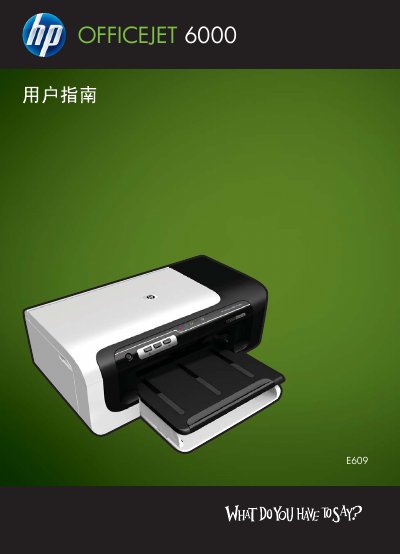
This manual covers everything you need to get started with the HP Officejet 6000 E609 printer, including safety guidelines, unpacking, and installing optional accessories such as the duplex unit. Detailed instructions guide you through connecting the printer to Windows or Mac computers, configuring wireless settings, and using the embedded web server.
Later sections explain how to manage print jobs, select media types, perform routine maintenance, replace ink cartridges, and resolve common issues like paper jams, print quality problems, and network connectivity errors. Technical specifications and support information are also provided. This manual is written in Chinese.
| Supported media types | transparent film, envelopes, photo paper, glossy media |
|---|---|
| Noise emission level | Meets ISO 7779 |
Install the duplex unit if required, select the duplex option in the print driver, and follow the manual’s steps for automatic or manual two‑sided printing.