
The HP LaserJet MFP M232-M237 series user guide provides setup, printing, copying, scanning, network, supplies, and troubleshooting instructions.
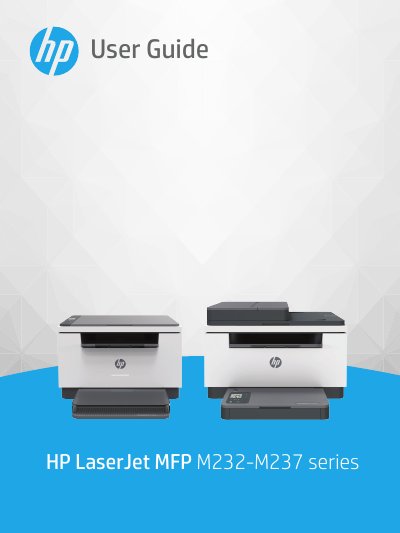
This user guide covers everything needed to get started with the HP LaserJet MFP M232-M237 series, including printer views, control panel features, loading media, printing, copying, scanning, and configuring network connections via Wi‑Fi, Ethernet, or USB. It also details how to manage supplies, replace toner cartridges, and resolve common problems.
Safety precautions are highlighted, such as unplugging the device before cleaning and keeping it away from water. The guide includes technical specifications, system requirements, power consumption data, and regulatory information for various regions.
Remove all paper from the input tray, insert the envelope with the short side toward the back, adjust the paper guides, then lower the tray cover and extend the output tray.
Remove all paper from the input tray, place the sheet of labels with the top edge toward the back, adjust the paper guides, then lower the tray cover and extend the output tray.
Always read the instructions, keep the printer away from water, unplug it before cleaning, and ensure it is placed on a stable, protected surface.