
HP LaserJet MFP M232-M237 Series User Manual

This manual provides instructions for setting up, operating, maintaining, and troubleshooting the HP LaserJet MFP M232-M237 series printers.
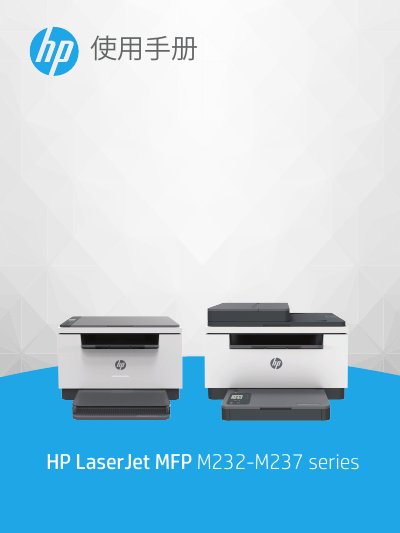

HP LaserJet MFP M232-M237 Series User Manual - cover page
Brand
HP
Category
Printer
Document type
User Manual
Language
Chinese
Pages
154
File format
PDF
File size
2.6 MB
Published
25 October, 2026
Updated
25 October, 2026
MD5 checksum
F121312BDF8356EE3CFBE8CE9B424BE6

About this manual

This document serves as a comprehensive user guide for the HP LaserJet MFP M232-M237 series. It covers essential topics including getting started with the printer view and control panel, connecting to networks via Wi-Fi or Ethernet, and loading various media types such as paper, envelopes, and labels. This manual is written in Chinese.

What's inside

  • Printer View
  • Control Panel Functions
  • Connecting Your Printer
  • Loading Media
  • Printing
  • Copying and Scanning
  • Troubleshooting

Frequently asked questions

What is the minimum distance required between users and the antennas to avoid exceeding radio frequency exposure limits?

Users must maintain a distance of at least 20 cm from the antennas.

Download PDF (2.6 MB)

More HP Manuals


View all HP manuals →