
This guide provides configuration, use, warranty, safety, and environmental information for the HP LaserJet Enterprise M406dn and M407dn printers.
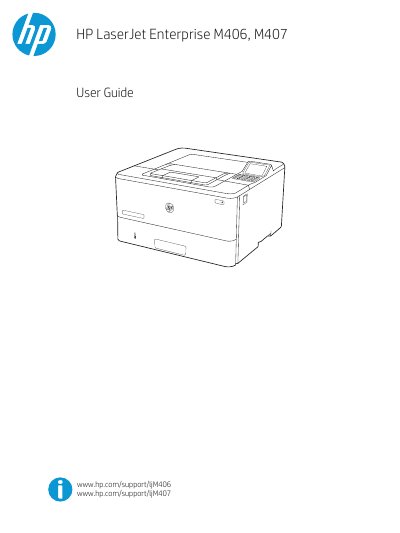
This user guide covers the setup, operation, and maintenance of the HP LaserJet Enterprise M406dn and M407dn printers. It includes instructions on loading paper into various trays, managing supplies like toner cartridges, and configuring network settings via the control panel or Embedded Web Server.
| Print speed (A4) | 38 ppm M406dn, 40 ppm M407dn |
|---|---|
| Print speed (Letter) | 40 ppm M406dn, 42 ppm M407dn |
| Memory | 1 GB base memory |
| Storage | 4 GB eMMC |
You can reset factory settings from the printer control panel or via the HP Embedded Web Server for network-connected printers.
The M406dn includes Tray 1 (100-sheet) and Tray 2 (250-sheet), while the M407dn adds an optional 550-sheet accessory tray.