
This document describes the features and characteristics of the HP DeskJet Plus 4100e All-in-One series printer.
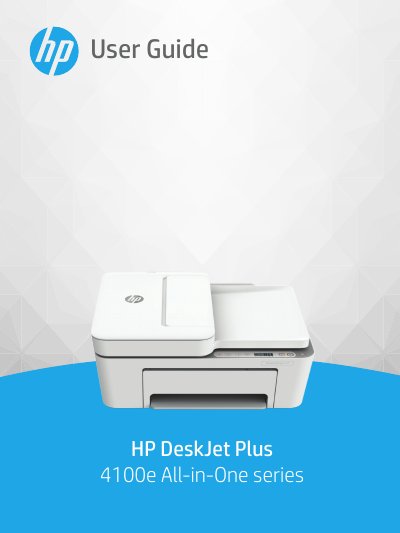
The HP DeskJet Plus 4100e All-in-One series is a multifunction device designed for printing, copying, scanning, and mobile faxing. This guide provides instructions on loading media, connecting to wireless networks or computers via USB, and using the control panel features such as copy and scan functions.
| Input tray capacity (Plain paper) | Up to 60 sheets |
|---|---|
| Output tray capacity (Plain paper) | Up to 25 sheets |
| Paper weights supported | 60 to 90 g/m² (16 to 32 lb) |
| Recommended operating temperature | 15°C to 30°C (59°F to 86°F) |
The input tray can hold up to 60 sheets of plain paper.
Refer to the section on replacing cartridges in Chapter 7 of this guide.