
This guide provides instructions on how to set up your HP DeskJet Plus 4100 All-in-One series printer.
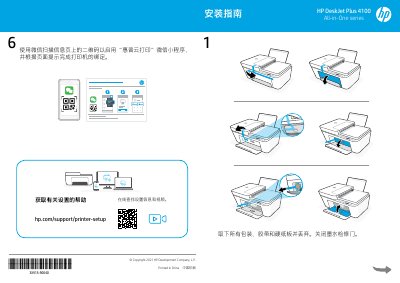
This document is a setup guide for the HP DeskJet Plus 4100 All-in-One series. It provides instructions for unpacking the device, connecting the power, and installing the necessary software on a computer or mobile device. This manual is written in Chinese.
Scan the QR code on the information page and follow the on-screen prompts to bind the printer.
Install the HP Smart software, follow its instructions to connect the printer to the network, and keep your device near the printer during setup.