
This document mainly introduces the usage and features of a camera named XX. The document includes information about the appearance of the camera, battery installation, date/time and language settings, and usage instructions.
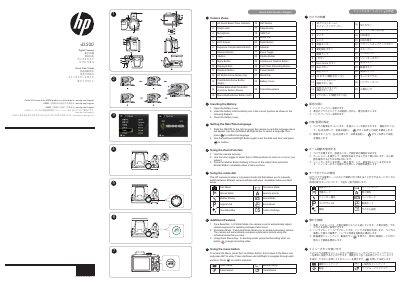
This document serves as a Quick Start Guide for the HP d3500 digital camera. It provides step-by-step instructions for initial setup, including powering on the device, setting the language and date/time, and inserting the battery. The guide also explains how to use the zoom function and operate the mode dial to switch between various shooting modes such as Auto, Manual, and Movie Mode.
The camera allows you to take pictures, create panoramic pictures, and record video.
Use the zoom toggle to select Tele or Wide positions to zoom in or out on your subject.
This mode automatically adjusts camera exposure for realistic portrayal of skin tones in Portrait Mode.