
User guide for the HP LaserJet 5200L wide-format laser printer, covering features, specifications, and management tools.
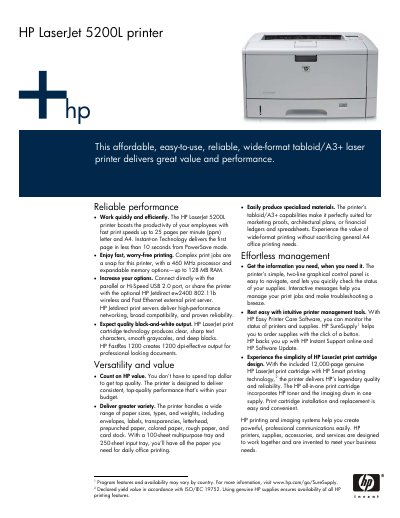
This document provides an overview of the HP LaserJet 5200L printer, highlighting its capabilities as an affordable, easy-to-use, and reliable wide-format tabloid/A3+ laser printer. Key features include fast print speeds of up to 25 pages per minute, Instant-on Technology for quick first-page output, and a versatile design that handles various paper sizes and types, including envelopes, labels, and transparencies.
| Print speed | 25 ppm |
|---|---|
| Resolution | 1200 dpi-effective |
| Processor | 460 MHz |
| Standard Memory | 32 MB |
| Maximum Memory | 128 MB |
| Duty cycle | 50,000 pages per month |
| Input capacity | 350 sheets |
| Output capacity | 250 sheets |
| Dimensions | 490 by 563 by 275 mm |
| Weight | 20.2 kg |
The printer offers fast print speeds up to 25 pages per minute for letter and A4 paper.
Instant-on Technology delivers the first page in less than 10 seconds from PowerSave mode.
The printer supports up to 128 MB RAM via a single industry-standard 100-pin DDR DIMM slot.
It supports a wide range including tabloid/A3+, letter, legal, A4, and various envelopes and custom sizes.