
Key facts
Start here
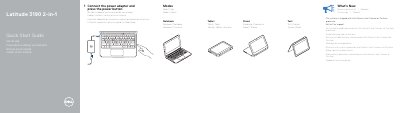
Dell Latitude 3190 2-in-1 Quick Start Guide
This Dell Latitude 3190 2-in-1 Quick Start Guide explains how to connect the power adapter and press the power button to begin using the convertible computer.
It describes Notebook, Tablet, Tent, and Stand modes, lists system features such as ports and buttons, and provides Dell product support, manuals, and regulatory compliance links.
Dell Latitude 3190 2-in-1 specifications
| Processor | Intel Gemini Lake Celeron or Pentium processor |
|---|---|
| Active Pen support | Yes |
| Computer model | Latitude 3190 2-in-1 |
| USB port with PowerShare | USB 3.1 Gen 1 port with PowerShare |
All Dell Latitude 3190 2-in-1 documents by type
The shortest path to a working setup, usually only a few pages.
Day-to-day operation, settings and troubleshooting. Start here if the product is already set up.
Questions answered in these manuals
How do I start the Dell Latitude 3190 2-in-1?
Connect the power adapter and press the power button.
What processor does the Dell Latitude 3190 2-in-1 use?
The system is shipped with Intel Gemini Lake Celeron or Pentium processor.
How can ePSA diagnostics be started?
Press FN+PWR when turning on the computer, or press F12 when the Dell logo appears and select Diagnostics.
How is the real-time clock reset?
With the system powered off and connected to power, press and hold the power button for 25 seconds, then release it.
How do I start the Dell Latitude 3190 2-in-1?
Connect the power adapter and press the power button.
What processor does it use?
It is shipped with an Intel Gemini Lake Celeron or Pentium processor.