
Key facts
- Brand
- DELL
- Model
- Inspiron 3500 Port Replicator
- Documents
- 2
- Languages
- EN
- Last added
- 2023-11-24
Start here
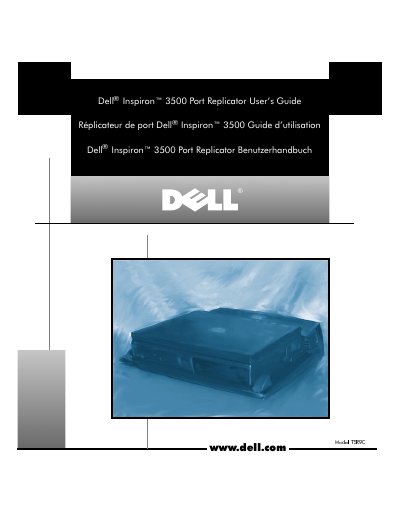
Dell Inspiron 3500 Port Replicator User's Guide
This guide explains how to connect external devices to the Dell Inspiron 3500 Port Replicator and attach the computer to it. It includes instructions for attaching peripherals like monitors, keyboards, and USB devices. Technical specifications such as dimensions, weight, and operating temperature are also provided.
The guide also includes safety and EMI information, noting that the device is designed for Class B residential environments and may cause interference if not properly positioned. Users are advised to consult the Dell manual or a technician if interference occurs.
Dell Inspiron 3500 Port Replicator specifications
| Height | 78 mm (3.07 inches) |
|---|---|
| Depth | 424.0 mm (16.69 inches) |
| Width | 400.0 mm (15.75 inches) |
| Weight | 2.0 kg (4.41 lb) |
| Operating Temperature | 5° to 35°C (41° to 95°F) |
| Storage Temperature | –20° to 65°C (–4° to 149°F) |
| Storage Relative Humidity | 20% to 90% (noncondensing) |
All Dell Inspiron 3500 Port Replicator documents by type
Day-to-day operation, settings and troubleshooting. Start here if the product is already set up.
Questions answered in these manuals
What does the Dell Inspiron 3500 Port Replicator do?
It integrates the Dell Inspiron 3500 portable computer into a desktop environment.
What should you do before attaching the computer if you received a BIOS upgrade diskette?
Use the diskette to upgrade the BIOS on the computer before attaching it to the port replicator.
How do I attach external devices to the port replicator?
Connect each device to the matching connector on the back of the port replicator, then connect the devices to their power sources.
How do I detach the computer from the port replicator?
Save your work, shut down the computer, then pull both release handles on the sides to undock it.