
Dell Latitude 3190 2-in-1 Quick Start Guide
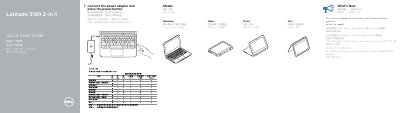
Multilingual quick start guide for the Dell Latitude 3190 2-in-1. It shows how to connect the power adapter and press the power button, lists new features such as Intel Gemini Lake Celeron or Pentium processors and Active Pen support, and shows notebook, tablet, tent, and stand modes.
The guide labels the computer's camera, microphone, Noble Wedge lock slot, volume and power buttons, battery status light, audio jack, speakers, touchpad, USB 3.1 Gen 1 ports, HDMI port, power connector port, and Service Tag label. It also gives Dell support and contact links plus regulatory and safety information.
| Processor | Intel Gemini Lake Celeron or Pentium |
|---|---|
| Active pen | Supported |
| USB port | USB 3.1 Gen 1 port with PowerShare |
| HDMI port | HDMI |
| Rated voltage | 100-240 V AC |
| Rated frequency | 50-60 Hz |
| Rated input current | 1.6 A / 1.7 A |
Connect the power adapter and press the power button.
It ships with an Intel Gemini Lake Celeron or Pentium processor.
Yes, the document lists Active Pen support.