
Key facts
- Brand
- DELL
- Model
- Wyse 7010
- Category
- Other Computer Accessories
- Documents
- 2
- Languages
- EN
- Last added
- 2023-11-24
Start here
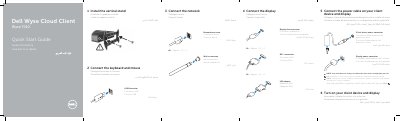
Dell Wyse 7010 Cloud Client Quick Start Guide
Quick Start Guide 2 pages · 777 KB · EN
This guide provides multilingual instructions for setting up the Dell Wyse 7010 Cloud Client. It details the steps to connect peripherals such as keyboards and mice, attach the vertical stand, and link the display using DisplayPort, DVI-I, or VGA adapters. It also covers connecting the network and power cables.
Read onlineDell Wyse 7010 specifications
| Network port speed | 10/100/1000 Base-T |
|---|---|
| Power adapter input | +19V |
| USB 3.0 ports | 2x SuperSpeed USB 3.0 |
| USB 2.0 ports | 2x |
| Serial ports | 2x (optional) |
All Dell Wyse 7010 documents by type
Quick Start Guide 2
The shortest path to a working setup, usually only a few pages.
Questions answered in these manuals
When is the client device ready to use?
The client device is ready to use when the client device activity light goes off.
How do I know when the client device is ready to use?
The client device is ready to use when the client device activity light goes off.
When is the Dell Wyse 7010 ready to use?
It is ready when the client device activity light goes off.
Where can I find product support and manuals?
Product support and manuals are available at dell.com/support and dell.com/support/manuals.