
The Dell Latitude 3190 2-in-1 Quick Start Guide introduces the features and functions of the laptop, including the Intel Gemini Lake Celeron or Pentium processor, active pen support, camera, microphone, volume control, power button, etc.
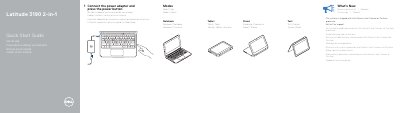
This Dell Latitude 3190 2-in-1 Quick Start Guide explains how to connect the power adapter and press the power button to begin using the convertible computer.
It describes Notebook, Tablet, Tent, and Stand modes, lists system features such as ports and buttons, and provides Dell product support, manuals, and regulatory compliance links.
| Processor | Intel Gemini Lake Celeron or Pentium processor |
|---|---|
| Active Pen support | Yes |
| Computer model | Latitude 3190 2-in-1 |
| USB port with PowerShare | USB 3.1 Gen 1 port with PowerShare |
Connect the power adapter and press the power button.
The system is shipped with Intel Gemini Lake Celeron or Pentium processor.
Yes, the system includes Active Pen support.