
Key facts
Start here
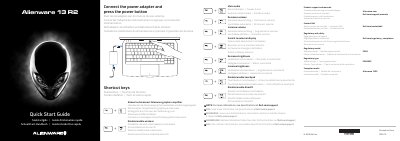
Dell Alienware 13 R2 Quick Start Guide
Quick Start Guide 2 pages · 1.9 MB · EN
This document serves as a quick start guide for the Dell Alienware 13 R2 laptop, model P56G. It provides essential information on product support, regulatory compliance, and safety instructions. The guide includes multilingual instructions on how to connect the power adapter, use shortcut keys, and access the Dell support website.
Read onlineDell Alienware 13 R2 specifications
| Thunderbolt Port | Thunderbolt 3 port (USB C) |
|---|---|
| USB Ports | USB 3.0 port with PowerShare |
| Video Output | HDMI port |
| Keyboard | Backlit keyboard |
All Dell Alienware 13 R2 documents by type
Quick Start Guide 2
The shortest path to a working setup, usually only a few pages.
Questions answered in these manuals
Where can I find more specifications?
For more information, see Specifications at Dell.com/support.
How do I enable or disable the wireless function?
You can disable or enable the wireless function using the keyboard shortcut.
How do I turn on the computer?
Connect the power adapter and press the power button.
From: Dell Alienware 13 R2 2015-10 Computer Quick Start Guide
Where is the Service Tag label?
It is item 21 in the features list.
From: Dell Alienware 13 R2 2015-10 Computer Quick Start Guide