
Key facts
Start here
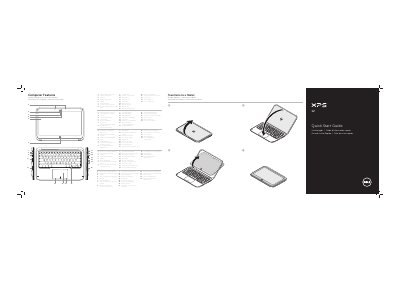
Dell XPS 9Q23 Notebook PC Quick Start Guide
This quick start guide introduces the Dell XPS 9Q23 notebook PC and its external features, including the camera, touchpad, keyboard, speakers, ports, and battery-status lights. It also explains how to transform the device into a tablet, use function keys, connect the power adapter, and turn on the computer.
The guide includes Windows 8 navigation tips, getting-started steps, Dell support and regulatory information, and contact details for Dell sales, technical support, and customer service.
Dell XPS 9Q23 specifications
| Regulatory model | P20S |
|---|---|
| Type | P20S001 |
| Computer model | XPS 9Q23 |
| Battery-status lights | 5 |
| USB port | USB 3.0 with PowerShare |
All Dell XPS 9Q23 documents by type
The shortest path to a working setup, usually only a few pages.
Disassembly, diagnostics and part numbers, for repair.
Questions answered in these manuals
How do I turn on the computer?
Use the power switch listed as item 9 in the computer features.
How do I connect the power adapter?
Connect the power adapter to the power-adapter port listed as item 22.
What tools are required for the procedures?
A Phillips screwdriver and a Torx T5 screwdriver.
Who is authorized to remove the computer cover?
Only a qualified service technician.
What tools are recommended for servicing the Dell XPS 12?
A Phillips screwdriver and a Torx No. 5 (T5) screwdriver.
What should be done before working inside the computer?
Save and close open files, exit programs, shut down, disconnect power and cables, then press and hold the power button for 5 seconds.