
The Dell Latitude 3190 2-in-1 Quick Start Guide
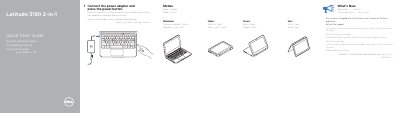
This quick start guide covers the Dell Latitude 3190 2-in-1. It explains how to connect the power adapter and press the power button, lists supported modes, and identifies numbered features such as the camera, microphone, speakers, touchpad, ports, and status lights.
The guide is presented in multiple languages and includes product support links, regulatory information, and a service tag label reference. It notes that the system ships with an Intel Gemini Lake Celeron or Pentium processor and supports Active Pen.
| Processor | Intel Gemini Lake Celeron or Pentium processor |
|---|---|
| Active Pen support | Supported |
Connect the power adapter and press the power button.
It is shipped with an Intel Gemini Lake Celeron or Pentium processor.
Yes, Active Pen support is listed among the features.