
Latitude 3190 2-in-1 Quick Start Guide
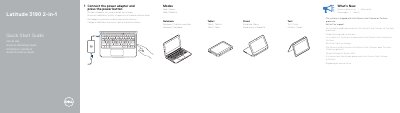
This quick start guide shows how to connect the power adapter and press the power button to start the Dell Latitude 3190 2-in-1. It lists what is new, including Intel Gemini Lake Celeron or Pentium processor support and Active Pen support, describes the device features and ports, and provides product support, manuals, contact, and regulatory information.
| Processor | Intel Gemini Lake Celeron or Pentium |
|---|---|
| USB ports | USB 3.1 Gen 1 port and USB 3.1 Gen 1 port with PowerShare |
| Video output | HDMI port |
| Audio jack | Universal audio jack |
Connect the power adapter and press the power button.
It is shipped with an Intel Gemini Lake Celeron or Pentium processor.
Yes, Active Pen support is included.