
Key facts
Start here
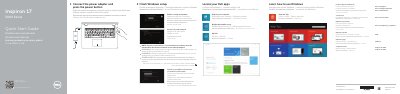
Dell Inspiron 17-5748 Quick Start Guide
This guide helps you set up your Dell Inspiron 17-5748 laptop, connect to Wi-Fi or Ethernet, and use basic features like audio controls and display settings. It includes a diagram of the laptop’s ports and buttons for quick reference.
The guide also covers how to register your computer, access Dell support, and use Windows setup tools. It is available in multiple languages and includes shortcuts for common tasks like adjusting brightness or muting audio.
All Dell Inspiron 17-5748 documents by type
The shortest path to a working setup, usually only a few pages.
Questions answered in these manuals
What is the model of this Dell computer?
The model is Inspiron 17-5748.
What is the regulatory model for this device?
The regulatory model is P26E.
How do I connect to a secured wireless network?
Enter the password for the wireless network access when prompted.
Where can I find more specifications?
See Specifications at dell.com/support.
What computer models does this guide cover?
It covers the Inspiron 17-5748 and Inspiron 17-5749.
From: Dell Inspiron 17-5748 Inspiron 17-5749 Quick Start Guide
How do you turn wireless off or on?
Use the Turn off/on wireless function.
From: Dell Inspiron 17-5748 Inspiron 17-5749 Quick Start Guide