
Key facts
- Brand
- DELL
- Model
- T50
- Category
- Other Computer Accessories
- Documents
- 6
- Languages
- EN · ZH
- Last added
- 2023-11-24
Start here
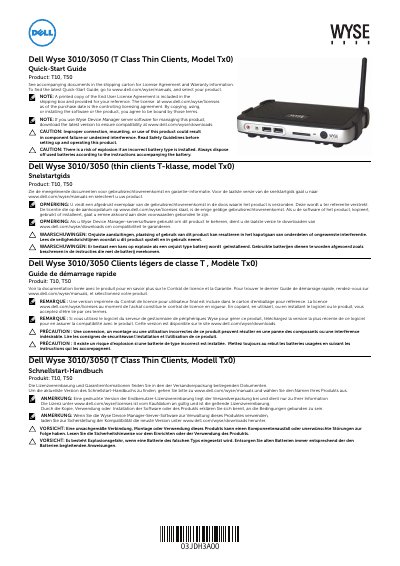
Dell Wyse 3010/3050 (T Class Thin Clients, Model Tx0) Quick-Start Guide
This Quick-Start Guide covers the Dell Wyse 3010/3050 T Class thin clients, models T10 and T50. It includes safety cautions, license information, and references to Wyse Device Manager compatibility.
The guide identifies components such as USB 2.0 ports, a DVI-I port, a network port, and a +12V power adapter input, and notes that the SD card slot is not available on the T10.
Dell T50 specifications
| USB 2.0 ports | 2 |
|---|---|
| SD card slot | Not available on T10 |
| DVI-I port | 1x DVI-D/1x VGA |
| Network port | 10/100/1000 Base-T |
| Power adapter input | +12V |
| Wireless antenna port | Optional |
Source: Dell Wyse 3010/3050 (T Class Thin Clients, Model Tx0) Quick-Start Guide
All Dell T50 documents by type
The shortest path to a working setup, usually only a few pages.
Day-to-day operation, settings and troubleshooting. Start here if the product is already set up.
Questions answered in these manuals
Which products does this guide cover?
It covers the T10 and T50 thin clients.
From: Dell Wyse 3010/3050 (T Class Thin Clients, Model Tx0) Quick-Start Guide
Is the SD card slot available on the T10?
No, the SD card slot is not available on the T10.
From: Dell Wyse 3010/3050 (T Class Thin Clients, Model Tx0) Quick-Start Guide
Which operating systems are supported?
Microsoft Windows Storage Server 2003 R2 Workgroup, Standard, and Enterprise x64 Editions with SP2 are supported.
From: Dell EMS01 PowerVault 500 Systems Getting Started With Your System Guide
How many processors can the system have?
The system can have one or two Dual-Core Intel Xeon Processors 5000 Sequence.
From: Dell EMS01 PowerVault 500 Systems Getting Started With Your System Guide
When is the client device ready to use?
The client device is ready to use when the client device activity light goes off.
How do you remove the Fiber SFP module?
To remove the module, rotate the latch and unplug it from its slot.