
Key facts
Start here
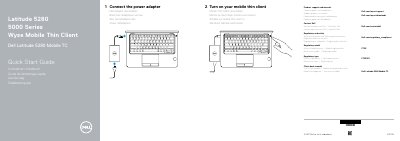
Dell Latitude 5280 Mobile TC Quick Start Guide
Quick Start Guide 2 pages · 143 KB · EN
The Dell Latitude 5280 Mobile TC Quick Start Guide provides basic setup steps for the Dell Latitude 5280 Mobile TC thin client, including connecting the power adapter and turning on the device.
It lists product features such as optional IR camera, microSD card reader, USB 3.0 ports, HDMI, and DisplayPort over USB Type-C, and includes Dell product support and regulatory information.
Dell Latitude 5280 Mobile TC specifications
| Regulatory Model | P72S |
|---|---|
| Regulatory Type | P72S001 |
| Copyright Year | 2017 |
All Dell Latitude 5280 Mobile TC documents by type
Quick Start Guide 4
The shortest path to a working setup, usually only a few pages.
Questions answered in these manuals
How do I connect the power adapter?
Connect the power adapter.
How do I turn on the mobile thin client?
Turn on your mobile thin client.
Where can I find product support and manuals?
You can find product support and manuals at Dell.com/wyse/support and Dell.com/wyse/downloads.
What is the regulatory model number?
The regulatory model number is P72S.