
This document describes the features and characteristics of the D-Link DWA-140 Wireless USB Adapter.
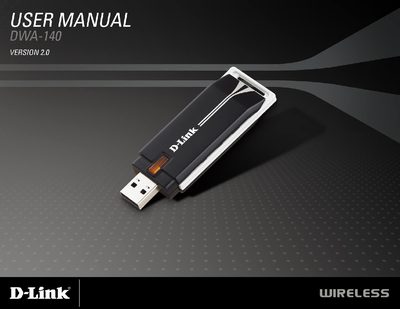
The DWA-140 Wireless N™ USB Adapter offers a compact, plug‑and‑play solution for adding high‑speed Wi‑Fi connectivity to desktop or notebook PCs. It supports 802.11b/g/n standards, WPA/WPA2 security, and includes the D-Link Wireless Connection Manager for easy network configuration.
The manual guides users through hardware overview, installation, disabling built‑in adapters, and troubleshooting, and concludes with a detailed technical specifications section covering system requirements, frequency range, data rates, power consumption, and certifications.
| Operating Voltage | 5 VDC +/- 10% |
|---|---|
| Dimensions | 87 x 28 x 12 mm |
| Frequency Range (North America) | 2412 to 2462 MHz |
| Data Rates (802.11g) | 6/9/12/18/24/36/48/54 Mbps |
| Security | 64/128-bit WEP, WPA, WPA2 |
The adapter requires Windows Vista, Windows XP with Service Pack 2, or Windows 2000 with Service Pack 4.
The device has two integrated antennas.
The typical transmit output power for 802.11b is 18 dBm.