
DWA-140 Wireless N™ USB adapter is a convenient wireless connectivity solution for desktop or notebook computers. It enables 802.11n draft wireless connection using the USB interface of your desktop or notebook computer, without the need to connect your computer with an Ethernet cable or open the chassis of your desktop computer.
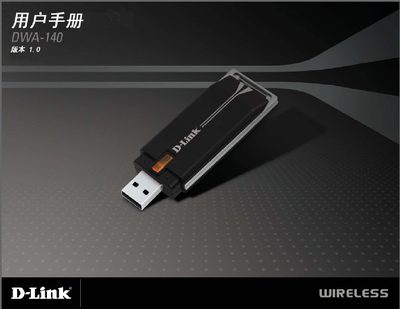
This manual covers everything needed to install and use the D-Link DWA-140 wireless USB adapter, including package contents, system requirements, and step‑by‑step installation instructions. It also explains how to configure wireless settings, secure the connection, and troubleshoot common issues.
Technical specifications such as supported Wi‑Fi standards, frequency ranges, data rates, power requirements, and physical dimensions are listed, along with safety guidelines and regulatory compliance information. This manual is written in Japanese.
| Dimensions | 87 x 28 x 12 mm |
|---|---|
| Operating Temperature | -40 °C to 85 °C |
| Power Supply | 5 VDC ±10 % |
| Maximum Data Rate (802.11g) | 54 Mbps |
The adapter works with Windows Vista, Windows XP Service Pack 2, and Windows 2000 Service Pack 4.
Open the Control Panel and select Add/Remove Programs (or Programs and Features) to uninstall the old D-Link software.
It supports 64‑bit and 128‑bit WEP, WPA, WPA2, and 802.1x authentication.
The adapter measures 87 mm × 28 mm × 12 mm.