
This document is a quick installation guide for the D-Link DIR-655 router, and it introduces how to install the router
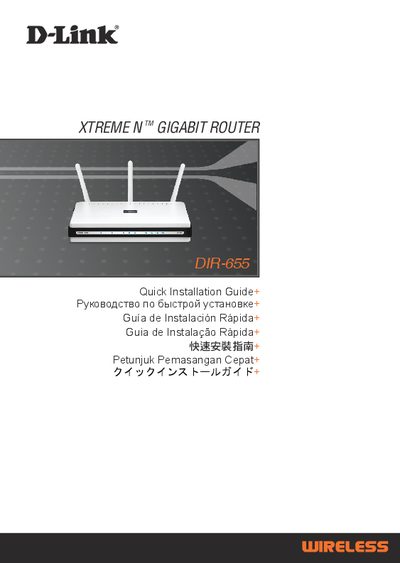
This guide provides an overview of the DIR-655 package contents and step‑by‑step instructions for the Quick Router Setup Wizard. It explains how to connect the power adapter, Ethernet cable and CD‑ROM, and shows the default IP address (192.168.0.1) and login credentials (admin / blank password) needed to access the web‑based configuration interface.
The document also includes a troubleshooting section that addresses common issues such as resetting the router, recovering a forgotten wireless SSID or encryption key, and checking LED status. Technical support contact information for multiple regions is listed at the end of the guide.
| Default IP address | 192.168.0.1 |
|---|---|
| Default username | admin |
| Default password | (blank) |
Connect a PC to the router with an Ethernet cable, open a web browser and go to http://192.168.0.1, then log in with username “admin” and leave the password field blank.
Power on the router, then press and hold the reset button on the rear for 20 seconds.