
This manual introduces the functions and usage methods of the D-Link DIR-655 router, including product overview, hardware overview, connections, installation, configuration, network settings, wireless settings, firewall settings, etc.
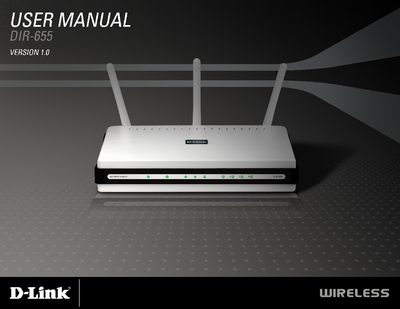
This manual covers the D-Link DIR-655 Xtreme N™ router, a draft 802.11n‑compatible device that delivers up to 300 Mbps wireless speeds and includes features such as QoS, dual firewalls and a web‑based setup wizard. It details the package contents, hardware layout, LED indicators and connection options.
The guide walks users through installation, wireless and network configuration, security settings (WPA/WEP, content filtering, VPN pass‑through) and provides troubleshooting, warranty information and product registration steps.
| Wireless Speed | Up to 300 Mbps |
|---|---|
| Supported Wireless Standards | 802.11b/g/n |
| LAN Ports | 4 (1‑4) |
| USB Port | USB 1.1/2.0 flash |
| Antennas | 3 detachable |
| Power Adapter | Included with router |
| Dual Firewalls | SPI and NAT |
The router includes three detachable antennas.
It supports 802.11b, 802.11g and draft 802.11n (up to 300 Mbps).
The device provides four LAN ports, labeled 1‑4.