
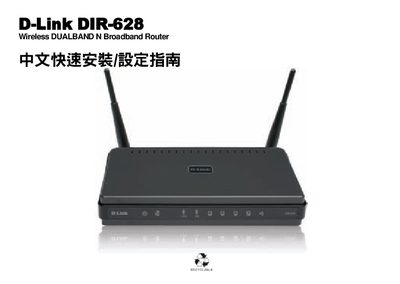
D-Link DIR-628 is a wireless router that can help you create a wireless network environment at home. This guide will guide you through the installation and configuration of the DIR-628.
The manual begins with a description of the router’s front panel indicators and rear ports, showing how to connect the power adapter, WAN, and LAN cables. It explains that the WAN and LAN ports support Auto MDI‑IX detection, and details the LED behavior for power, internet, wireless, and LAN activity.
Next, it provides step‑by‑step instructions for the first‑time setup: connecting the router to a modem, accessing the web‑based configuration interface, setting up the internet connection, and selecting the desired wireless band (2.4 GHz or 5 GHz). It also includes notes on using Windows TCP/IP settings, resetting the device, and obtaining firmware updates from D‑Link’s support site. This manual is written in Chinese.