
D-Link DIR-628 Wireless Dualband N Broadband Router Quick Installation and Setup Guide. This guide mainly introduces DIR-628's hardware installation and related settings, including: computer IP settings, DIR-628 Internet connection settings and DIR-628 wireless network security settings.
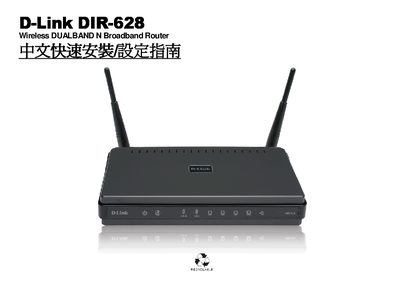
This service manual covers the setup and operation of the D-Link DIR-628 dual‑band N broadband router. It includes detailed instructions for connecting LAN and WAN ports, configuring wireless settings, and using features such as WPS and USB connectivity.
The document also provides troubleshooting steps, reset procedures, and contact information for D‑Link support services in Taiwan. Technical specifications such as port speeds, wireless frequency, and power requirements are listed for reference. This manual is written in Chinese.
| Wireless Standard | Dual‑Band N |
|---|---|
| LAN Port Speed | 10/100 Mbps |
| WAN Port Speed | 10/100 Mbps Auto MDI‑X |
| USB Interface | USB 1.1/2.0 |
Each LAN port supports 10/100 Mbps Ethernet connections.