
The D-Link DIR-130 User Manual describes the features and functions of the router, including how to install, configure, and troubleshoot it.
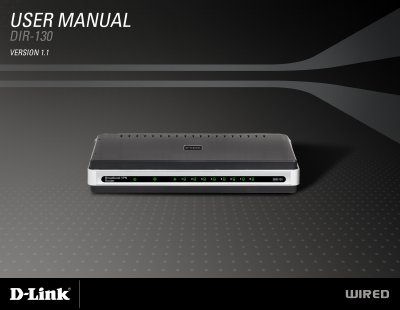
This manual covers everything you need to set up and operate the D‑Link DIR‑130 8‑port VPN router, including package contents, system requirements, hardware overview, LED indicators and connection details. It also explains how to install the device, configure network settings, use advanced features such as parental controls and VPN, and troubleshoot common issues.
Appendices contain networking basics, detailed technical specifications, warranty information, GNU/Linux GPL notices and registration forms, giving a complete reference for both end users and technical support staff. This manual is written in Chinese.
| Standards | IEEE 802.3, IEEE 802.3u |
|---|---|
| Operating Temperature | 32°F to 104°F (0°C to 40°C) |
| Humidity | 95% maximum (non‑condensing) |
| Dimensions | L = 7.6 in, W = 4.6 in, H = 1.2 in |
| Warranty | 1 Year |
Press the Reset button to restore the router to its original factory default settings.