
This Quick Install Guide provides basic connection and configuration steps for the D-Link DIR-130 8-Port VPN Router.
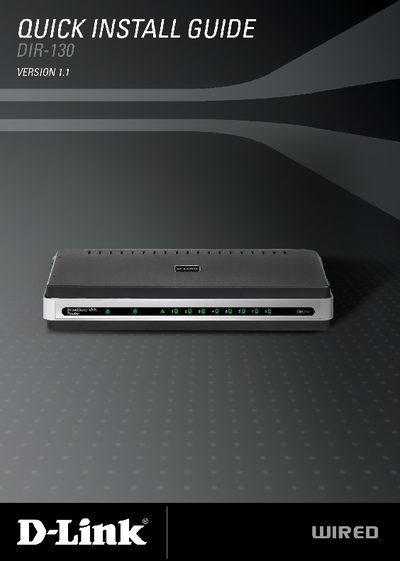
The guide provides a brief hardware overview of the DIR-130 router, describing the LEDs, LAN ports, Internet port, and power adapter. It also explains how to reset the device to factory defaults.
Step‑by‑step installation instructions walk the user through connecting the router to a modem, configuring the network via the web‑based Setup Wizard, and selecting the appropriate Internet connection type. Browser and system requirements are listed, and technical support contact details are provided at the end.
| Product Type | 8‑Port VPN Router |
|---|---|
| LAN Ports | 8 ports, 10/100 Ethernet |
| Internet Port | Auto MDI/MDIX |
| Power LED | Solid light indicates power connection |
| Supported Browsers | IE 6+, Mozilla 1.7.12+, Firefox 1.5+, Safari 1.0+, Opera 6.0+ |
The package contains the DIR-130 router, a power adapter, an Ethernet cable, and a manual on CD.
Press the Reset button on the router; this restores the original factory settings.
Supported browsers include Internet Explorer 6.0 or higher, Mozilla 1.7.12 or higher, Firefox 1.5 or higher, Safari 1.0 or higher, and Opera 6.0 or higher.
A computer running Windows, Macintosh, or Linux with an Ethernet adapter and a recent Java version is required.