
D-Link DHP-300 Quick Install Guide introduces the system requirements, hardware overview, hardware installation, and software installation of DHP-300.
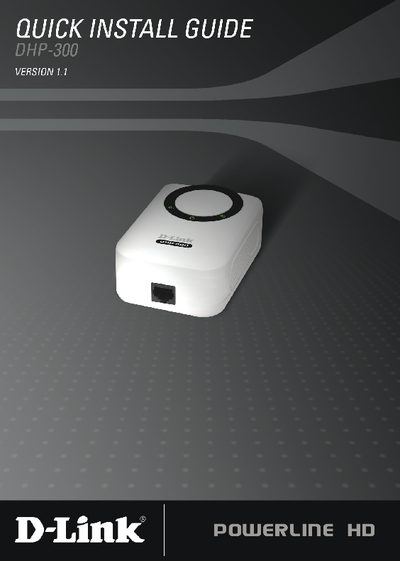
The D-Link DHP-300 Quick Install Guide provides step‑by‑step instructions for installing the Powerline HD Ethernet Adapter. It starts with system requirements, lists the package contents, and describes hardware installation such as plugging the unit into an AC outlet and connecting the included CAT‑5 Ethernet cable.
The guide also covers software installation using the provided CD, including the DHP‑300 Setup Wizard and the required WinPcap 4.0 driver. Configuration details explain how to set the network name (Net ID) and device alias, and the document ends with technical support contact information for U.S. and Canadian customers.
| Supported Operating Systems | Windows XP SP2 or Windows 2000 SP4 |
|---|---|
| Minimum RAM | 64 MB |
| Default Powerline Network Name (Net ID) | DHP-300 (max 10 characters) |
Use the configuration screen to edit the Net ID field; the default is DHP-300 and it can be up to 10 alphanumeric characters.