
D-Link DHP-300 200Mbps Powerline HD Ethernet Adapter lets you network your home computers, networking devices and gaming devices through the most pervasive medium in your house - the electric powerlines - and share Internet connections, printers, transfer files, play games, and more.
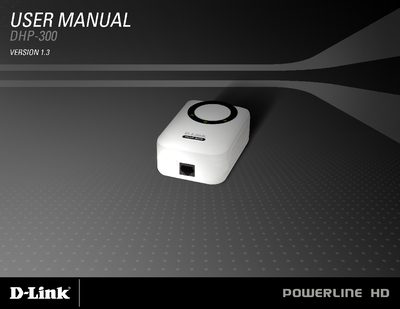
The D-Link DHP-300 User Manual provides a complete guide to setting up and using the Powerline HD Ethernet Adapter. It includes an overview of the hardware, LEDs, connection steps, and software configuration, as well as troubleshooting and warranty details.
The manual also lists system requirements, package contents, and features such as 200 Mbps data rates, QoS settings, and encryption. Appendices cover warranty, regulatory notices, and product registration.
| Maximum Data Transfer Rate | 200 Mbps |
|---|---|
| Ethernet Port Speed | 10/100 Mbps |
| Supported Operating Systems | Windows Vista, XP (SP2), 2000 (SP4) |
| Minimum PC Requirements | 233 MHz processor, 64 MB RAM |
| Powerline LED Indicator | Solid light when another device is detected |
The adapter supports data transfer rates up to 200 Mbps.