
This document is the quick installation guide of 8-Port 10/100Mbps Switch with 4 PoE Ports DES-1008P
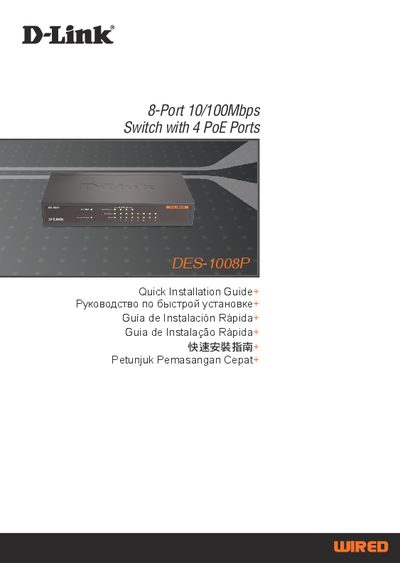
This Quick Installation Guide explains how to install and configure the D-Link DES-1008P 8‑port Fast Ethernet switch that includes four Power over Ethernet (PoE) ports. It covers package contents, placement requirements, power connection, and basic operation of the Ethernet and PoE ports.
The guide also describes the LED indicators for power, link/activity, speed, PoE status and maximum power, provides technical specifications such as power voltage and PoE voltage range, and lists worldwide technical‑support contact information.
| Fast Ethernet ports | 8 ports, 10/100 Mbps |
|---|---|
| PoE ports | 4 ports (Port 1~4) |
| Power supply | 48 V, 1.45 A DC adapter |
| PoE voltage range | 44 V – 57 V DC |
| Ventilation clearance | At least 10 cm on each side |
It requires a 48 V DC power adapter capable of delivering up to 1.45 A.
Leave at least 10 cm of space on the left and right sides of the switch.